
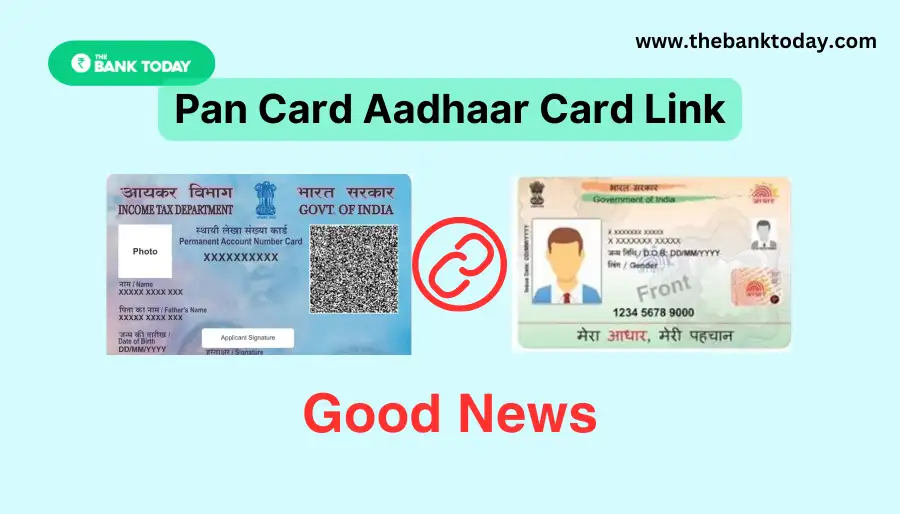
The government has set December 31, 2025 as the final deadline to link your Aadhaar and PAN.
Missing this deadline can cause serious disruptions.
From January 1, 2026, your PAN will become inactive if it’s not linked, which means you won’t be able to file your Income Tax Return, claim refunds, or even receive certain payments.
The good news is that the entire process can be completed online without any travel.
Here’s a simple explanation of what you need to know.
Contents
Who Needs to Link Aadhaar and PAN?
Linking Aadhaar and PAN is mandatory for anyone who received their PAN card on or before October 1, 2025.
The Central Board of Direct Taxes (CBDT) requires this step to ensure smoother and more transparent tax filing.
If you applied for a PAN using your Aadhaar enrollment ID, you must link or re-link your Aadhaar with PAN as well.
This can easily be done through the Income Tax Department’s e-filing portal.
What Happens If You Don’t Link Them?
If you fail to link Aadhaar and PAN by the deadline, your PAN will become inactive.
This leads to several issues:
Your income tax return cannot be filed or processed.
Any pending tax refunds will be delayed.
TDS/TCS credits will not appear in Form 26AS.
Higher TDS/TCS rates may apply.
Salary credit issues and failed SIP transactions may also occur.
Once you complete the linking process later, your PAN generally becomes active again within 30 days.
How to Link Aadhaar with PAN Online
The process is simple and takes only a few minutes:
Visit the official Income Tax e-filing website.
Click on the Link Aadhaar option on the homepage.
Enter your PAN, Aadhaar number, and mobile number.
You will receive an OTP on your mobile—verify it.
If your PAN is already inactive, you must pay a fee of ₹1,000 before linking.
You can then check your linking status under the Quick Links section by selecting Link Aadhaar Status.
Important Things to Remember
Make sure your name, date of birth, and mobile number match on both Aadhaar and PAN.
Avoid waiting until the last day to link, as the website may slow down due to heavy traffic.
Take a screenshot of the confirmation page for future reference.
If you face issues, you can follow detailed instructions on the Income Tax portal or consult a tax expert for help.