
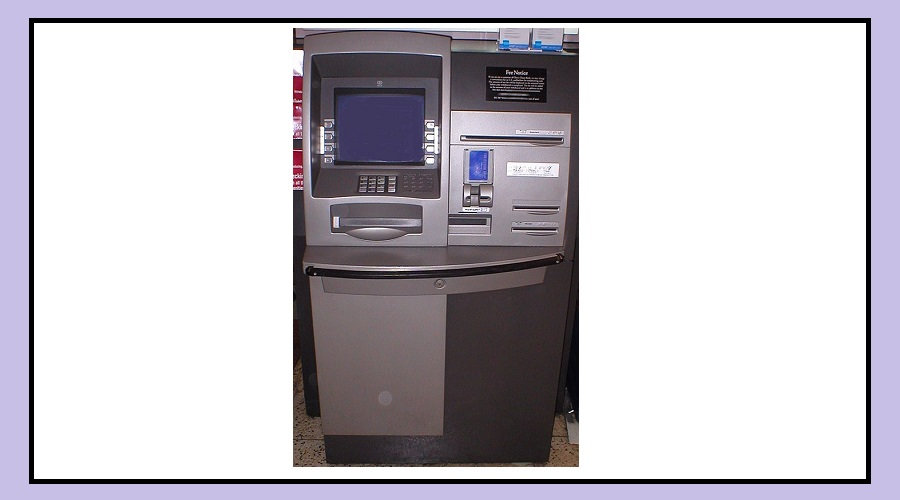
Several banks in India have introduced the UPI Cash Withdrawal feature on their ATMs.
Instead of inserting a card, you simply scan a QR code using your UPI app and withdraw money
This method is not only quick but also safer, as it reduces the risk of fraud such as card cloning and skimming.
Because of these advantages, more people are slowly starting to use this feature.
Benefits of Withdrawing Cash Using UPI
Using UPI to withdraw money from an ATM has several advantages.
The biggest benefit is convenience.
Even if you forget your debit card at home or do not carry it with you, you can still withdraw cash easily.
The process is also very simple. Instead of inserting your card and entering your PIN on the ATM keypad, you just scan a QR code and confirm the payment on your phone.
There are also important security benefits:
You don’t need to carry a physical debit card.
There is no risk of losing your card or having it stolen.
It protects you from cyber frauds like card cloning and skimming.
How to Withdraw Cash from an ATM Using UPI
Withdrawing cash through UPI is easy and takes only a few steps.
First, go to an ATM that supports UPI withdrawals and select the “UPI Cash Withdrawal” option on the screen.
Next, enter the amount you want to withdraw.
The ATM will then display a QR code on the screen.
Open your UPI app and scan the QR code.
Remember that the QR code can be used only once.
After scanning, enter your UPI PIN on your phone.
Once the transaction is confirmed, the ATM will dispense the cash.
Important Things to Remember
Before using this feature, keep a few things in mind.
The ATM you are using must support UPI withdrawals.
You can check this by looking at the options displayed on the ATM screen.
You must also have your smartphone with a working and updated UPI app.
Your phone should have an active internet connection, and you must remember your UPI PIN.
Another important point is the withdrawal limit.
At present, most banks allow withdrawals of around Rs 5,000 to Rs 10,000 per transaction using this method.