
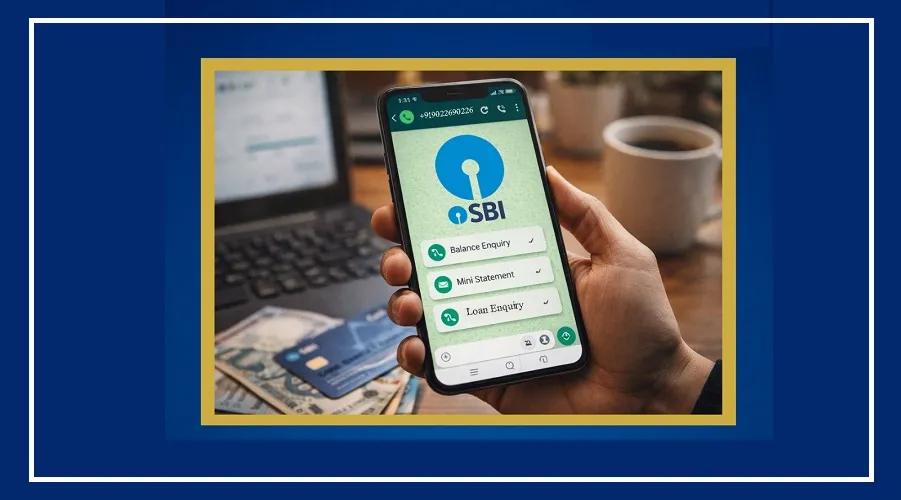
The country’s largest public sector bank, State Bank of India (SBI), has made banking even easier with its WhatsApp Banking Service. Now, customers can access many banking services from home using WhatsApp.
This means no more waiting in long queues or visiting ATMs just to check your balance or view recent transactions.
Easy Banking on WhatsApp
SBI first launched this service in 2022 with basic features like balance check and mini statements. Over time, the bank has upgraded it with more useful options.
Today, customers can check detailed account statements, get loan-related information, access NRI services, and use many other banking features directly on WhatsApp.
How to Register for the Service
To use this service, your mobile number must be registered with your bank account and linked to WhatsApp.
You can register in two simple ways:
Scan the QR code available on SBI’s official website
Or send an SMS from your registered number in this format:
WAREG ACCOUNTNUMBER
Send it to: +917208933148
(Example: WAREG 123456789)
How to Use WhatsApp Banking
Once registered, using the service is very simple.
Send “Hi” on WhatsApp to +919022690226
You will receive a welcome message from SBI
A list of services will appear, and you can choose what you need
Services You Can Access
With SBI WhatsApp Banking, you can use many services anytime:
Check account balance
View mini statement (last 10 transactions)
Download full statement (up to 250 transactions)
Get home loan and education loan interest certificates
Access pension slips
Get details of loan and deposit products
Check debit card information
Block lost or stolen cards
Download banking forms
Find the nearest ATM or branch
Available 24/7 with Safety Tips
One of the biggest benefits of this service is that it works 24/7. You don’t have to worry about bank holidays or working hours.
However, always use this service only from your registered mobile number. Avoid clicking on unknown links or using unofficial apps to stay safe.