
The government is continuously working to make public services more digital and convenient so that people do not have to visit offices for small tasks.
In the same direction, a new facility has now been introduced for ration card holders.
With this update, people can now check all important ration-related information directly on their mobile phones.
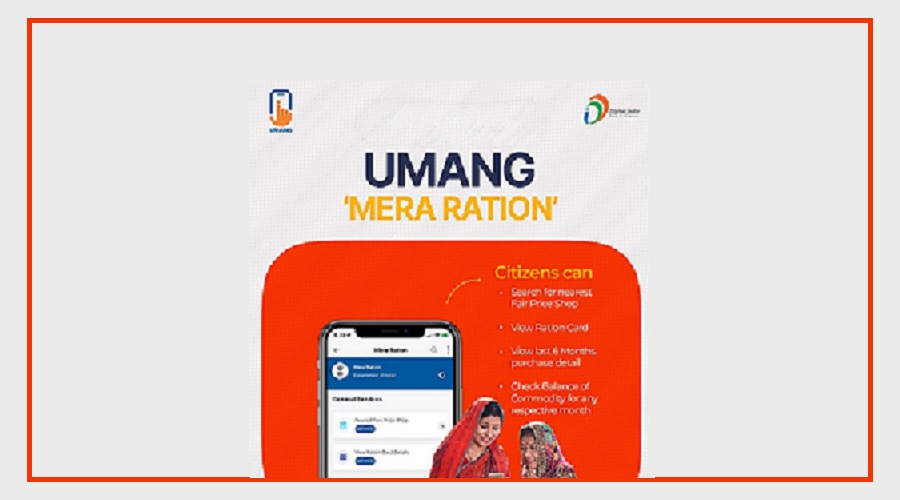
A new feature called “Mera Ration” has been added to the UMANG App, making it easier for users to access their ration details anytime.
Contents
Check Ration Card Details on Your Phone
Through the Mera Ration feature, ration card holders can quickly view important information on their smartphones.
Users can check details such as:
Names of family members listed on the ration card
Status of the ration card
Quantity of ration they are entitled to receive
Earlier, people had to visit a ration dealer or government website to get this information.
Now, everything is available in just a few clicks on the mobile app.
Find the Nearest Ration Shop Easily
Another useful feature of this service is that it helps users locate the nearest ration shop.
With this option, people can see which ration shops are located near their area and where they can collect their ration.
This makes the process easier and saves time by providing accurate and timely information.
What Is the UMANG App?
The UMANG App is a multi-service mobile application launched by the Government of India.
The app provides access to many government services in one place.
Through this platform, users can access services related to:
Aadhaar
Pension services
Gas connections
Employees’ Provident Fund
Electricity bill payments
Indian Passport
With the addition of the Mera Ration feature, ration card services have also become easier to access.
How to Use the “Mera Ration” Feature
Using this feature is simple and can be done in a few steps.
First, download the UMANG App from the Android or iOS app store.
After installing the app, log in or register using your mobile number.
Once you enter the app, type “Mera Ration” in the search bar and open the service.
After entering your ration card number or related details, the complete information will appear on the screen.
This allows users to quickly check their ration details anytime from their phone.