

Why Some Services Stop for 24 Hours After Changing Your SIM
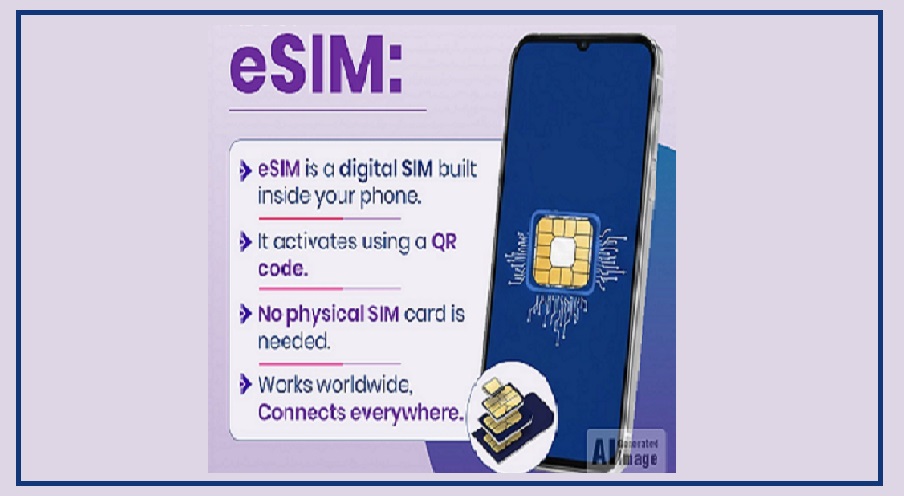
When people buy a new SIM, replace their existing SIM, or switch to an eSIM, they usually expect problems like network issues or activation delays.
However, the real inconvenience often comes from the temporary suspension of certain services.
In many cases, some services are restricted for about 24 hours after a SIM change.
This rule exists mainly to protect users from online fraud and unauthorized access.
In India, telecom regulations set by the Telecom Regulatory Authority of India (TRAI) require telecom companies to follow specific security measures.
One of these measures includes temporarily limiting certain services after a SIM replacement or eSIM transfer to prevent misuse of a user’s mobile number.
SMS Services Are Blocked for 24 Hours
After inserting a new SIM, replacing an old one, or moving to an eSIM, telecom companies usually block SMS services for around 24 hours.
During this period, users cannot send or receive text messages.
This restriction directly affects banking and digital payment alerts. For example, OTPs or payment notifications sent by banks may not arrive during this time.
Since many banking systems rely heavily on SMS verification, several services may temporarily stop working.
Once the 24-hour period ends, SMS services automatically resume and everything starts functioning normally again.
Difficulty Using UPI Apps
Apps that run on the Unified Payments Interface (UPI) also depend on SMS verification.
Because of this, users may face problems using these apps right after a SIM change.
Popular apps such as Google Pay, PhonePe, and Paytm send an SMS to confirm the device and mobile number.
If SMS services are temporarily blocked, the app may fail to log in or complete activation.
Once the 24-hour restriction ends, users simply need to open the app again and complete the verification process.
After that, UPI services start working normally.
Impact on Bank Transactions and OTPs
Banking activities may also be affected for a short period after changing your SIM.
During this time, you might not receive OTPs required for card payments, fund transfers, or internet banking logins.
Similarly, SMS alerts for deposits or withdrawals may not reach you.
However, some banks offer alternative options such as email OTPs or app-based verification, which can still work during the temporary restriction.
What If You Changed Your Mobile Number?
If you have changed not only your SIM but also your mobile number, you may need to take additional steps to restore your banking and payment services.
First, update your new mobile number with your bank through their official process or by visiting a branch.
After that, you will need to register your UPI ID again using the new number, because the UPI ID linked to the old number will stop working.
How This Rule Helps Prevent Fraud
The temporary suspension of SMS services plays an important role in preventing SIM swap fraud.
In many fraud cases, criminals manage to obtain a duplicate SIM card linked to someone else’s number.
They then try to access bank accounts using OTPs sent to that number.
The 24-hour restriction creates an extra security layer.
It prevents fraudsters from immediately receiving OTPs and gives the real user time to alert the telecom company or bank if they notice suspicious activity related to their mobile number.