
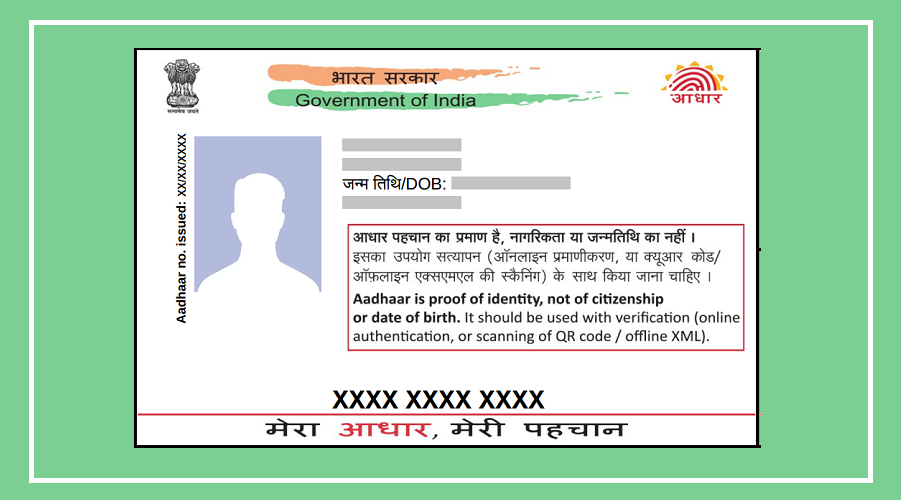

The Unique Identification Authority of India (UIDAI) has made Aadhaar usage more digital over time.
But even today, many places still ask for a physical Aadhaar card for KYC.
What most people don’t know is that you can complete offline KYC without sharing your Aadhaar card, OTP, or biometrics.
Yes, it’s possible—and it also helps protect your personal data.
What Is Offline Aadhaar KYC?
Offline KYC is a secure method offered by UIDAI that lets you verify your identity without revealing your Aadhaar number.
Instead of handing over your physical card, you share a digitally signed file or QR code.
This keeps your information safe while still completing the verification process.
It’s especially useful in situations where Aadhaar is required but you want to maintain privacy.
Why You Should Use Offline KYC
This method comes with several benefits that make it both safe and convenient:
You don’t need to submit a physical Aadhaar card
No OTP or mobile network is required during verification
No need for biometrics like fingerprint or iris scan
Your data is shared in a secure, encrypted file
You can choose what details to share
The file is tamper-proof, so any changes can be detected instantly
Overall, it’s a smarter way to complete KYC while keeping your data protected.
Step-by-Step: How to Do Offline KYC
Follow these simple steps to generate your offline Aadhaar KYC file:
Visit the official UIDAI website (myaadhaar.uidai.gov.in)
Log in using your Aadhaar number and OTP
On the dashboard, find and click on “Offline e-KYC”
Create a 4-digit Share Code (like a password)
Click on Download
A ZIP file will be downloaded to your device.
This file contains your secure Aadhaar details.
You can share this file and your 4-digit code with banks, telecom companies, or other institutions to complete your KYC.
Important Things to Remember
Before using offline KYC, keep these points in mind:
Your 4-digit Share Code is sensitive—only share it with trusted institutions
Do not change the ZIP file’s name or format
The file is not valid forever, so it’s better to download a fresh one when needed