
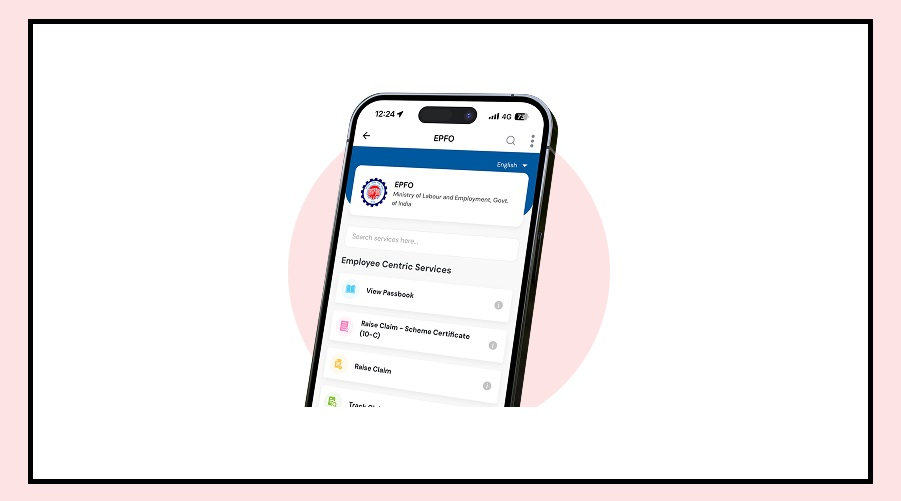

The Employees’ Provident Fund Organisation (EPFO) has issued an important alert for all salaried employees.
If you have a PF account, make sure your joining date and exit date are correctly updated in EPFO records.
Even a small mistake in these details can create problems while withdrawing your PF money or claiming your pension in the future.
Why Checking Your Joining and Exit Date Is Important
According to EPFO, employers sometimes upload incorrect information or fail to update an employee’s exit date after they leave a job.
If your date of joining or date of exit is wrong, you may face issues such as:
Delay or rejection of PF withdrawal claims.
Problems while claiming pension benefits.
Difficulty accessing various EPFO online services.
Incorrect service history in your PF account.
Checking these details now can save you from unnecessary hassles later.
How to Check Your EPFO Joining and Exit Date
You can verify your employment details online in just a few minutes.
Follow these steps:
Visit the EPFO Unified Member Portal.
Log in using your UAN (Universal Account Number) and password.
Click on the View tab.
Select Service History.
Check whether the joining and exit dates of your previous and current employers are correct.
If you notice any mistake, get it corrected as soon as possible.
What to Do If Your Details Are Incorrect
If your employment dates are wrong, you have several options to correct them.
Use the Mark Exit option available under the Manage tab on the EPFO portal.
Contact the HR department of your previous employer and request them to update the correct details.
If your previous company has shut down or cannot be contacted, submit a Joint Declaration Form along with the required documents at your nearest EPFO office.
Important Points EPF Members Should Know
EPFO has clarified that any correction in joining or exit dates must match the PF contributions deposited by your employer.
If there is any mismatch, EPFO will verify the records before approving the change.
Members whose UAN was issued before October 1, 2017, may also need to submit an online Joint Declaration, which requires employer approval.
If your UAN is not linked with Aadhaar or a claim is being filed after the member’s death, a physical declaration must be submitted through the employer for EPFO approval.
In cases where the previous employer has closed down or cannot be reached, members can directly submit the Joint Declaration and supporting documents to the nearest EPFO office.
The declaration must be signed by an authorised officer before it is accepted.